
A quick, honest look at ArtCraft’s 13 native apps: what you can actually try today, what “free and open source” means for your business, where these tools fit in a paid workflow, and what still needs time to mature.
A quick disclosure: This is an independent first look based on ArtCraft’s public website, GitHub repos, and screenshots shared online. Software changes fast, so double-check the latest release notes before relying on any specific feature for client work.
The moment that made me pause
Like most designers, I was scrolling through my feed on X (formerly Twitter) when something caught my eye and I downloaded the suite on my desktop.
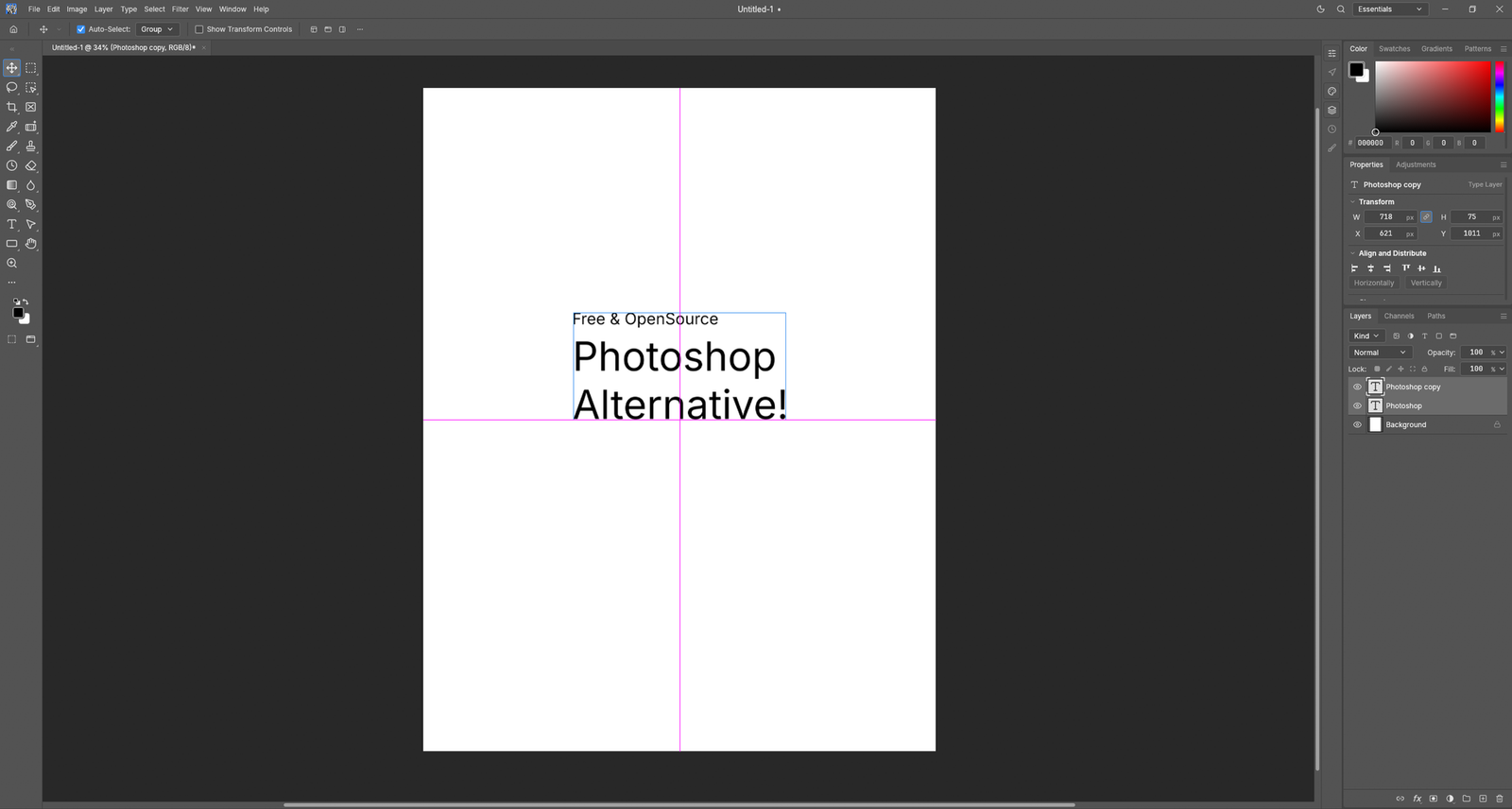
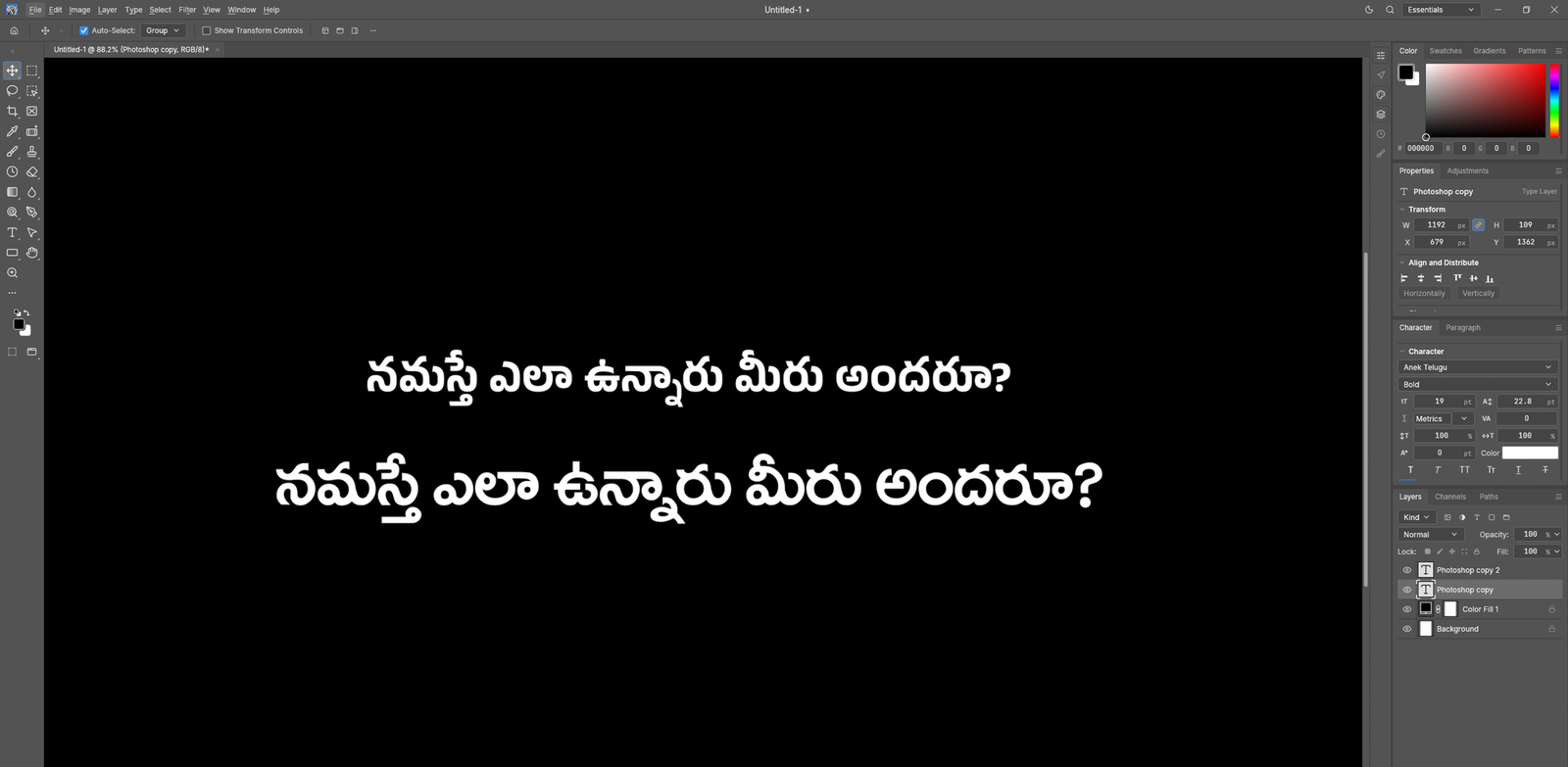
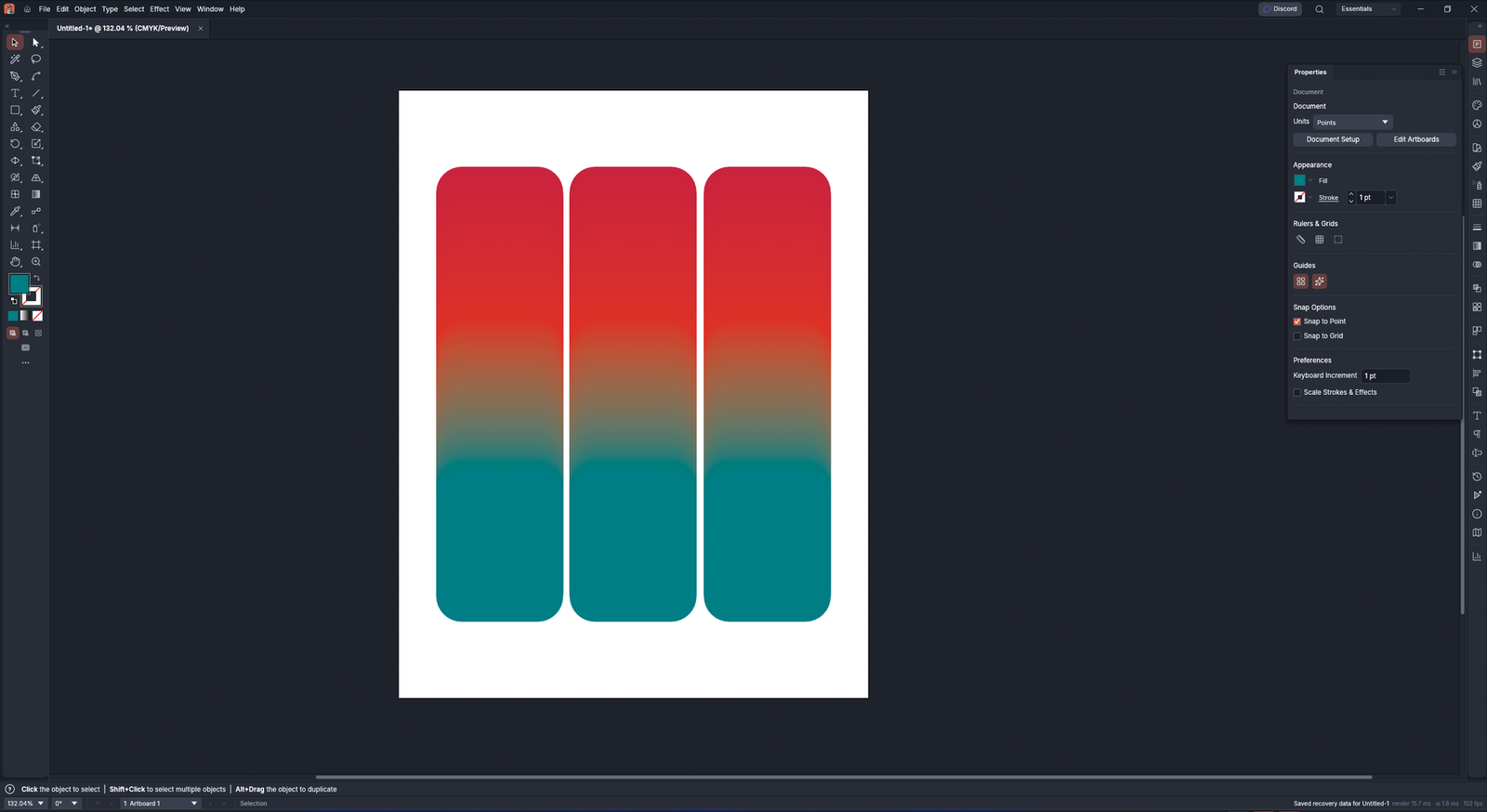
A desktop image editor that looked remarkably like Photoshop, followed by a vector illustration app with crisp panels, and then something that really stopped me, Telugu text rendered cleanly right inside the layout engine. My immediate thought was, Wait, is this real? My second thought, as someone who takes client deadlines seriously, was: Can I actually count on this for client projects?
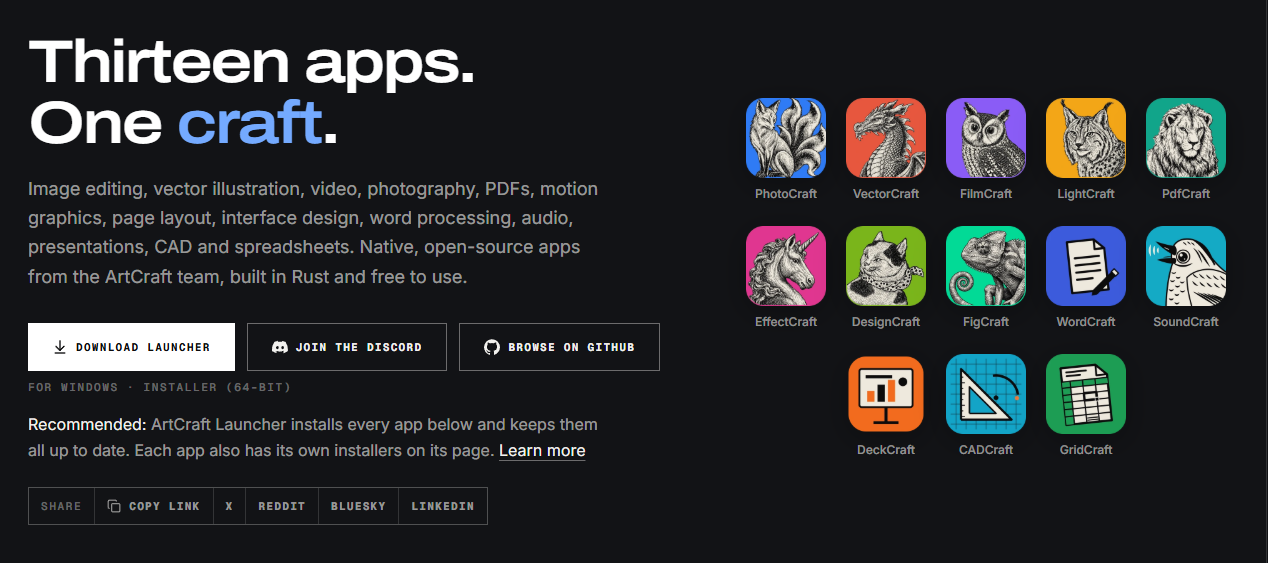
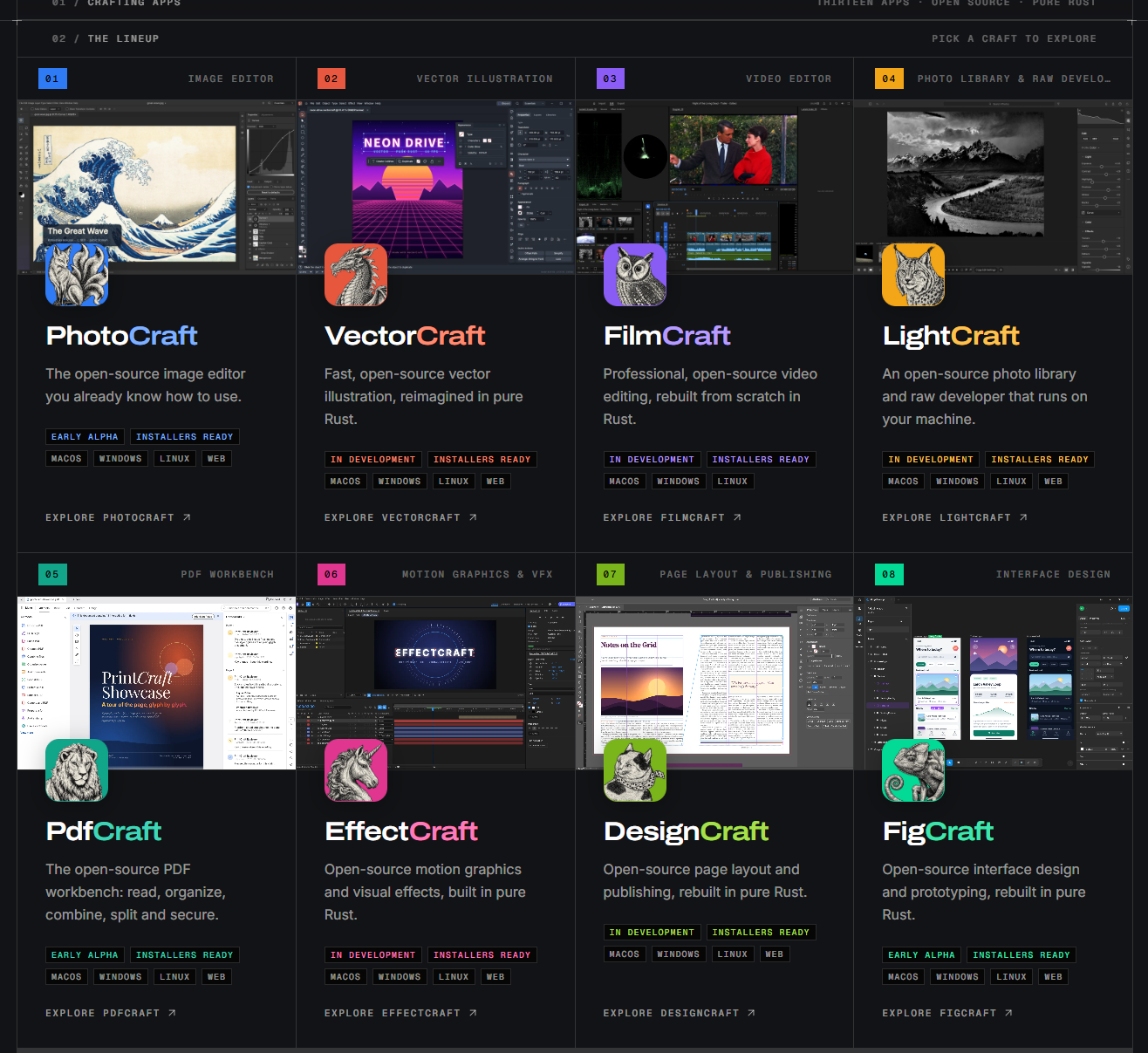
ArtCraft’s main showcase page lays out a bold goal: a family of 13 free, open-source creative apps built from scratch in Rust.
The lineup covers photo editing, vector graphics, video editing, photo organization, PDF editing, motion graphics, desktop publishing, UI design, word processing, audio editing, presentations, CAD, and spreadsheets.
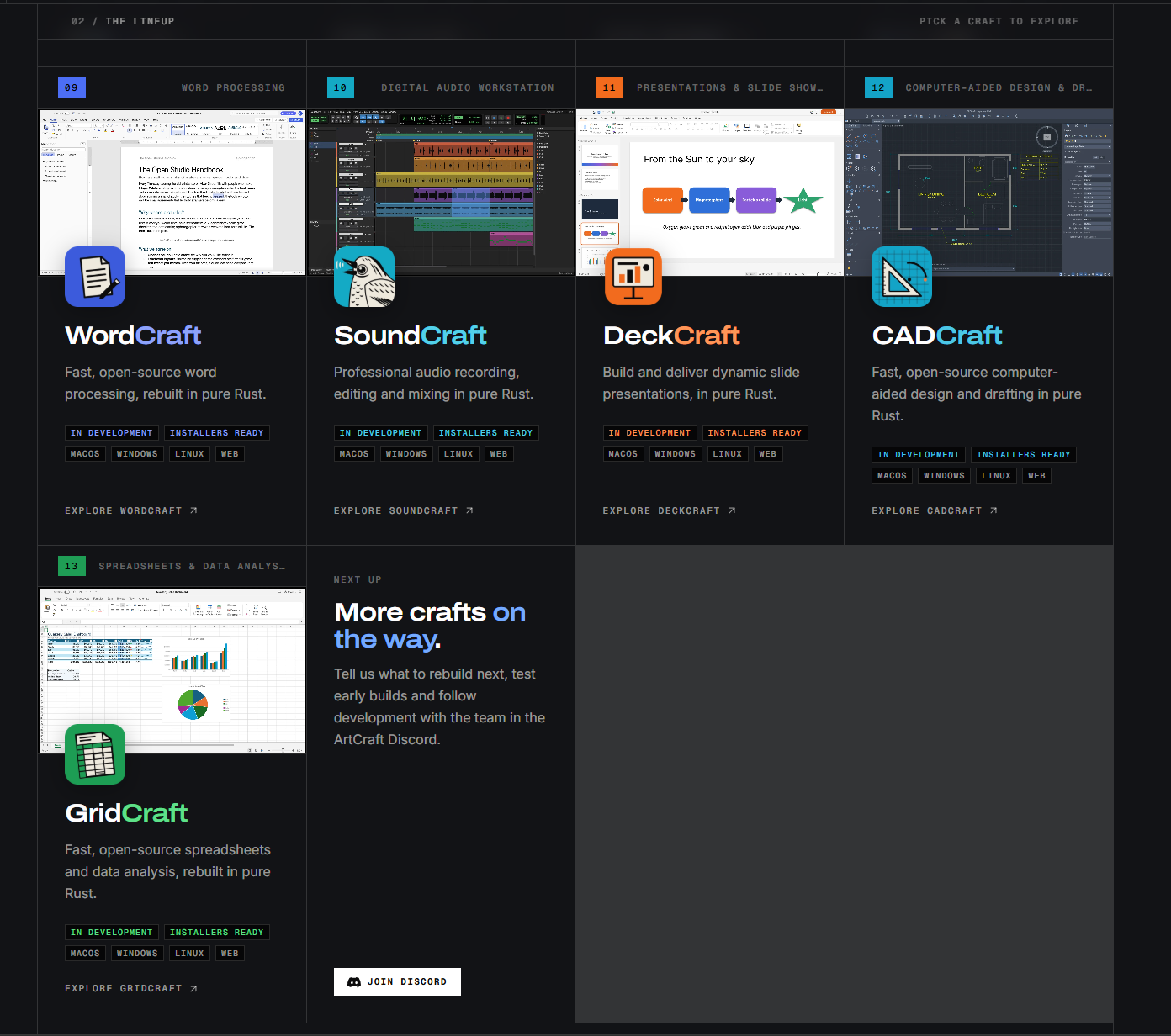
It’s a massive vision, native desktop speed, local files, familiar layouts, browser-ready builds, plus command-line, JSON, and MCP controls for automation.
It’s an exciting concept, but let’s keep things in perspective.
This is a promising project in active development, not a set of finished replacements for the tools paying your bills today.
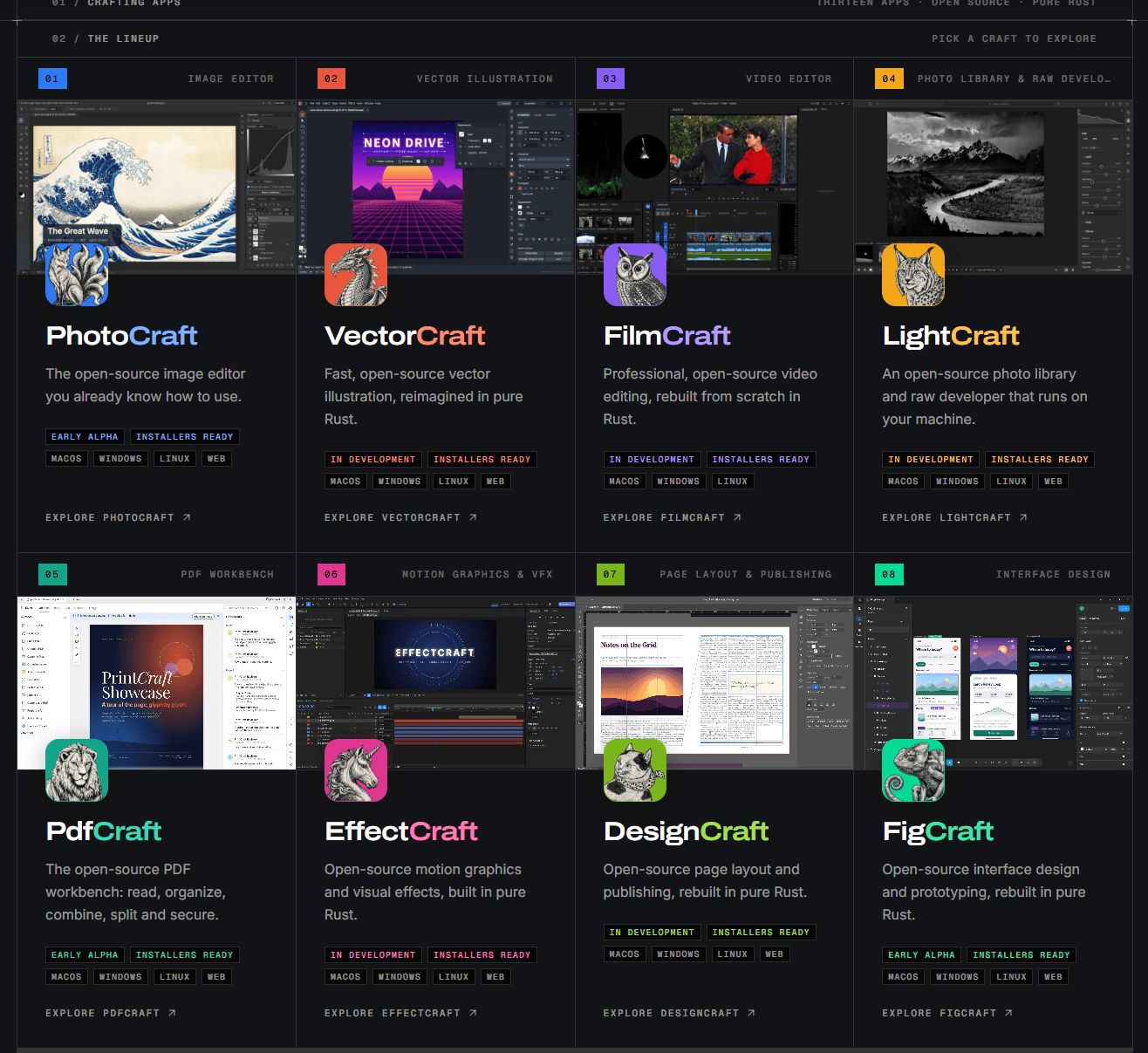
Right now, ArtCraft marks PhotoCraft, PdfCraft, and FigCraft as “Early alpha,” while the other ten apps are listed as “In development.” Seeing “Installers ready” means builds are available to test, but it doesn’t mean every feature is finished or ready for heavy production yet. See ArtCraft’s full lineup and current status
What is ArtCraft actually building?
ArtCraft isn’t just trying to throw together a single Photoshop clone. The team is trying to build a unified ecosystem of desktop creative apps based on a few core ideas:
- Truly open source: The code is hosted publicly on GitHub under permissive licenses.
- Native performance: Rather than wrapping web pages in heavy Electron shells, these desktop apps are written in Rust for macOS, Windows, and Linux.
- Local-first mindset: Your files stay safely on your hard drive without forcing cloud syncs or mandatory uploads.
- Flexible setup options: You can manage everything through a central launcher or grab individual standalone installers.
- Built for automation: Built-in CLI, JSON, and MCP hooks allow for custom scripts and AI integrations down the road.
- Web-ready: Many of the apps also compile to WebAssembly so you can open them right in a browser tab.
These design choices make a lot of sense for freelancers.
Fast native apps feel great to work in, storing files locally helps keep confidential client work private, and open formats protect you from vendor lock-in.
But it’s good to remember that these are architecture goals, not a automatic promise of flawless speed or perfect client compatibility out of the box.
Every app needs to be evaluated on its own merits.
The app making the biggest splash: PhotoCraft
The screenshots getting everyone excited belong to PhotoCraft. Its feature page promises a complete image editing suite: layers, masks, adjustment layers, layer styles, typography, vectors, and customizable brushes.
It highlights PSD and PSB import/export, non-destructive editing, live filters, smart objects, and robust color management across macOS, Windows, Linux, and web.
Explore PhotoCraft’s features and download options
There’s impressive progress here: the product page notes that 134 out of 135 real-world PSD test files opening and saving back out matched byte for byte.
That’s fantastic engineering, though it doesn’t guarantee every complex client file, third-party plugin, or custom print profile will behave seamlessly just yet.
Over on GitHub, the repo clearly notes PhotoCraft is in early alpha, pointing out that while core features work well, you should expect rough spots as the team steadily builds toward full Photoshop parity. Check out PhotoCraft on GitHub
So no, Photoshop isn’t disappearing overnight. The takeaway is simpler: a serious open-source team is making genuine progress on a modern image editor, and it’s well worth testing out on personal or low-stakes projects.
Why native Indian typography support is a big deal
I on X specifically highlighted global font rendering and support for Indian regional scripts, including both standard Unicode and legacy non-Unicode font systems. Seeing proper Telugu text rendered cleanly in the editing canvas is precisely the kind of thoughtful detail that elevates a tool from a neat demo to something genuinely useful for working designers.
And the one thing that impressed me is the global font recognition. As I work in Indian regional languages in both Unicode and non-Unicode (Anu fonts), This software is supporting it like Adobe Photoshop!!!!!
What else do I need?
Even Affinity Studio doesn’t have this type support, Can you imagine?— Kailash Chandra Sahu (@KailashHQ) October 18, 2026
For designers in India and other multilingual regions, proper script handling isn’t an afterthought—it’s essential. Real-world projects often demand regional headlines, bilingual packaging, legacy font assets, and layout files that need to display identically across different systems.
Crisp Telugu rendering shows the developers are paying attention to non-English workflows right from the start.
Of course, a single screenshot is just a starting point.
Before committing to a client project, be sure to test your specific language, fonts, glyph shaping, line wrapping, copy-pasting, and file exports thoroughly.
Displaying text on screen is one thing; converting legacy document formats cleanly is another.
The early results look very promising, but real-world testing is always the safest bet.
The whole suite at a glance
| App | What it’s for | Current status | What freelancers need to test first |
|---|---|---|---|
| PhotoCraft | Raster editing and compositing | Early alpha | Do complex, multi-layer PSDs open and save cleanly without losing data? |
| VectorCraft | Vector illustration | In development | Does it export clean, ready-to-print SVG and PDF vector files? |
| FilmCraft | Video editing | In development | Does it handle my usual video codecs, timelines, and render settings smoothly? |
| LightCraft | Photo library and RAW development | In development | Does it work seamlessly with my camera’s RAW files and photo organization setup? |
| PdfCraft | PDF reading and document operations | Early alpha | Are interactive forms, digital signatures, and multi-page layouts preserved? |
| EffectCraft | Motion graphics and visual effects | In development | Can I rely on it for stable renders when a tight deadline is looming? |
| DesignCraft | Page layout and publishing | In development | Does it support long multi-page documents, preflight checks, and press-ready exports? |
| FigCraft | Interface design and prototyping | Early alpha | Can I easily share files and collaborate with client teams using Figma? |
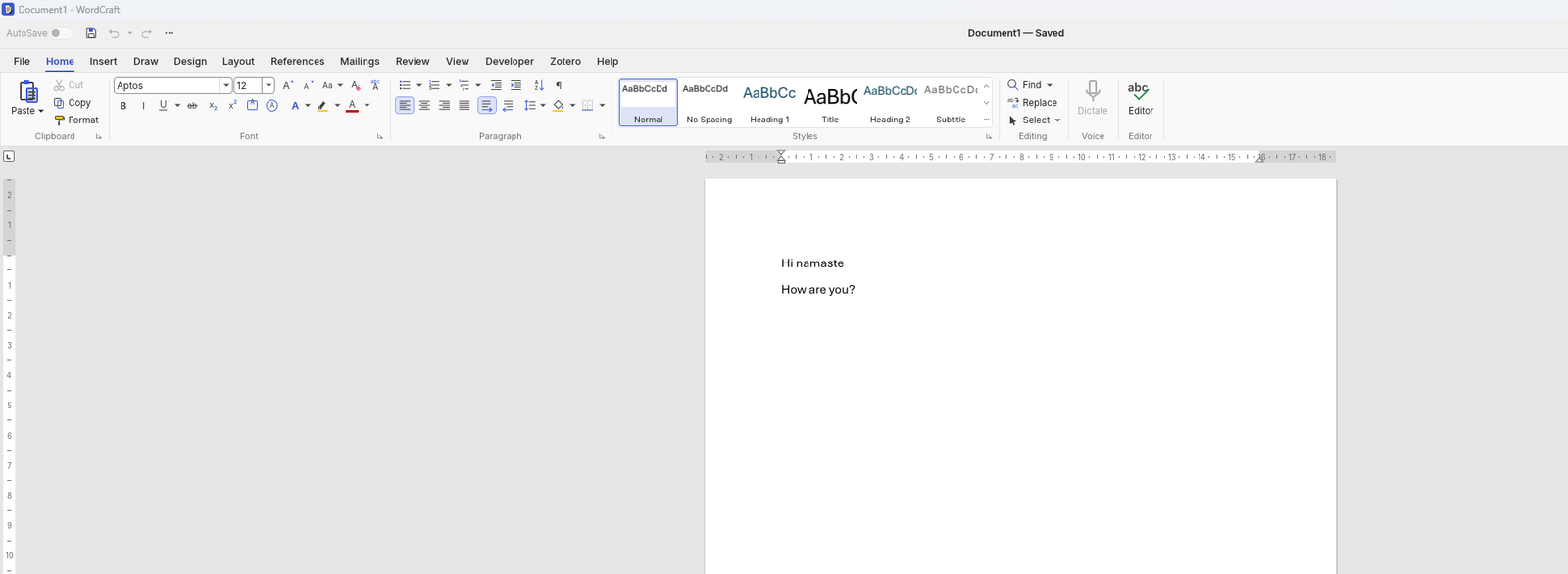
| WordCraft | Word processing | In development | Does DOCX formatting stay completely intact when clients open my files in Word? |
| SoundCraft | Recording, editing and mixing | In development | Does it work with my audio interface, plugins, and preferred export formats? |
| DeckCraft | Presentations | In development | Will slide layouts and animations display properly on a client’s computer? |
| CADCraft | CAD and drafting | In development | Can it import and export the exact CAD formats my engineering clients expect? |
| GridCraft | Spreadsheets and data analysis | In development | Are complex formulas, charts, and imported Excel sheets completely dependable? |
This lineup is an ambitious and exciting roadmap.
But when client payments are on the line, practical stability matters far more than long feature lists.
It makes sense to test the apps that address your daily pain points, while keeping your trusted tools handy until ArtCraft proves itself on real projects.
Is it legal to use open-source software for paid client work?
Yes, absolutely. Open-source software is widely used across the industry for commercial client work.
“Free” simply means you don’t pay a software license fee, it doesn’t mean your work product has to be given away for free, nor does it force your client deliverables under an open-source license.
The rules are defined by the license attached to the software. PhotoCraft is dual-licensed under MIT or Apache-2.0, two standard permissive licenses that explicitly permit commercial use, modifications, and distribution.
If you ever distribute the app itself, like bundling it into a custom installer, you just need to include the original copyright notice and license text.
View PhotoCraft license details · MIT License info · Apache License 2.0 info
One important detail to keep in mind: PhotoCraft’s documentation notes that the ArtCraft name, brand logos, and trademarks are separate from the open-source code license.
Bundled assets like fonts or icons may also carry their own licensing terms.
So while the source code is free to use, brand assets have standard trademark protections.
Always check the NOTICE and ATTRIBUTION.md files in the repository if you plan on modifying or redistributing builds.
This is practical guidance rather than legal advice.
For standard freelance work, following simple best practices is usually all it takes: download from official channels, keep attribution intact if sharing software files, use properly licensed font assets, and don’t present your work as an official ArtCraft partnership.
- A practical, low-risk way to test the suite
- Work on a copy of a real file. Duplicate an existing PSD, SVG, or PDF so your original file remains completely safe.
- Pick a low-stakes task. Start with a quick social media graphic, rough concept sketch, or internal doc before using it on a critical client deadline.
- Test the full round-trip. Open the file, make edits, save it out, and reopen it in your current primary tool. Verify that layers, fonts, colors, and effects survived intact.
- Verify final exports. Double-check print resolution, dimensions, color profiles, and transparency settings against client specs.
- Check your hardware setup. Make sure the apps run smoothly on your operating system, graphics card, tablet, and peripheral setup.
- Keep a backup option ready. Have your standard creative software ready as a fallback if you run into unexpected glitches during a build.
- Share useful feedback. Submitting clear bug reports and steps to reproduce issues helps open-source projects improve much faster for everyone.
If you’d like to test things out, grabbing the launcher is the easiest way to explore, though individual standalone installers are available too. Just be sure to download exclusively from official ArtCraft pages or trusted repos. Download ArtCraft apps from the official site
Looking ahead: what this could mean for creators
The bigger picture here goes far beyond just “free software.” If ArtCraft delivers smooth file handling, intuitive UI layouts, and deep scripting support,
freelancers could eventually handle photo editing, design layout, video editing, and PDF workflows without managing a stack of monthly subscriptions.
Local-first file storage keeps sensitive client assets safe, while open code invites community tools, extensions, and custom workflows.
Browser builds offer quick access on the go, and CLI/MCP hooks could allow AI assistants to handle repetitive tasks while leaving you in total control of the native source files.
That vision is genuinely compelling, but realizing it requires ongoing, detailed polish: exact file format fidelity, seamless interoperability, accurate color management, performance optimization, solid accessibility, clear documentation, and steady security updates.
Building software in Rust is a great foundation, but real-world reliability comes down to long-term effort and care.
As the project grows, key questions will naturally surface: How will long-term maintenance be funded?
How will file format changes be handled? What does smooth collaboration look like when working with clients tied to traditional Adobe or Microsoft stacks? The answers to these questions will determine whether the Craft suite becomes everyday production software or remains a promising set of developer builds.
The takeaway for freelancers
ArtCraft stands out because it pairs broad ambition with thoughtful design choices that creators care about: native performance, local file storage, open-source code, familiar tools, and real attention to multi-language font rendering.
The early previews of PhotoCraft and VectorCraft look like software designed by people who truly understand creative work.
That said, freelancers rely on dependable results to earn a living.
Because most of this suite is still in active development and even the leading editor is in early alpha it’s best to view these apps as exciting tools to experiment with rather than immediate replacements for your main creative setup.
My suggestion: Download the app that fits your workflow, test it out on a duplicate copy of a real file, and see how smoothly it handles your export needs.
If it works well, you’ve found a capable, free tool that gives you total control over your workspace.
If it still needs time, keep an eye on its progress, the project is definitely worth following, and real community feedback will help shape what it becomes.
Sources and further reading
- ArtCraft Crafting Apps: lineup, design principles, and current status
- PhotoCraft: features, supported platforms, and download links
- PhotoCraft source code repository and alpha status notes
- PhotoCraft NOTICE: MIT/Apache-2.0 licensing, trademarks, and bundled asset terms
- The MIT License overview
- The Apache License 2.0 overview
Note: Product details and status reflections are based on public information reviewed as of October 18, 2026. Features and release states evolve quickly, so be sure to check the latest project documentation before adopting software for critical workflows.