
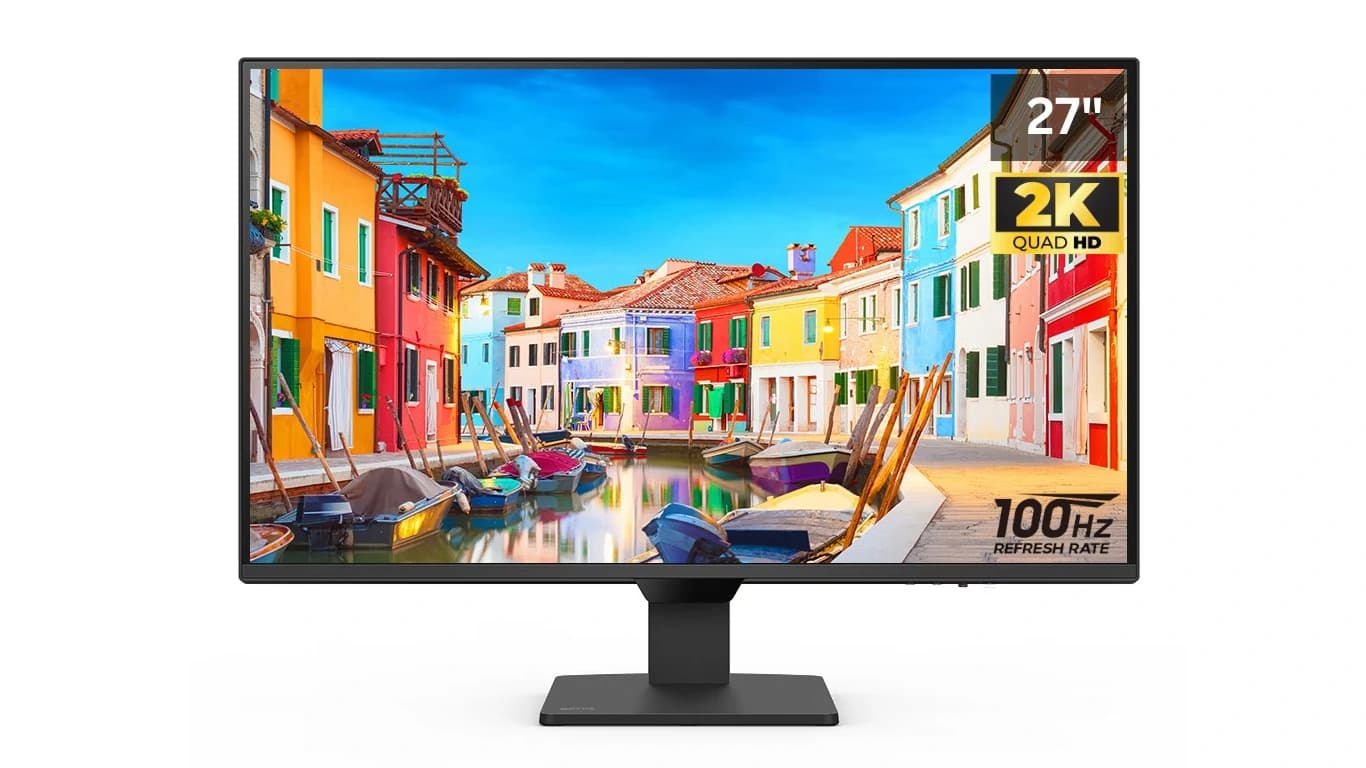

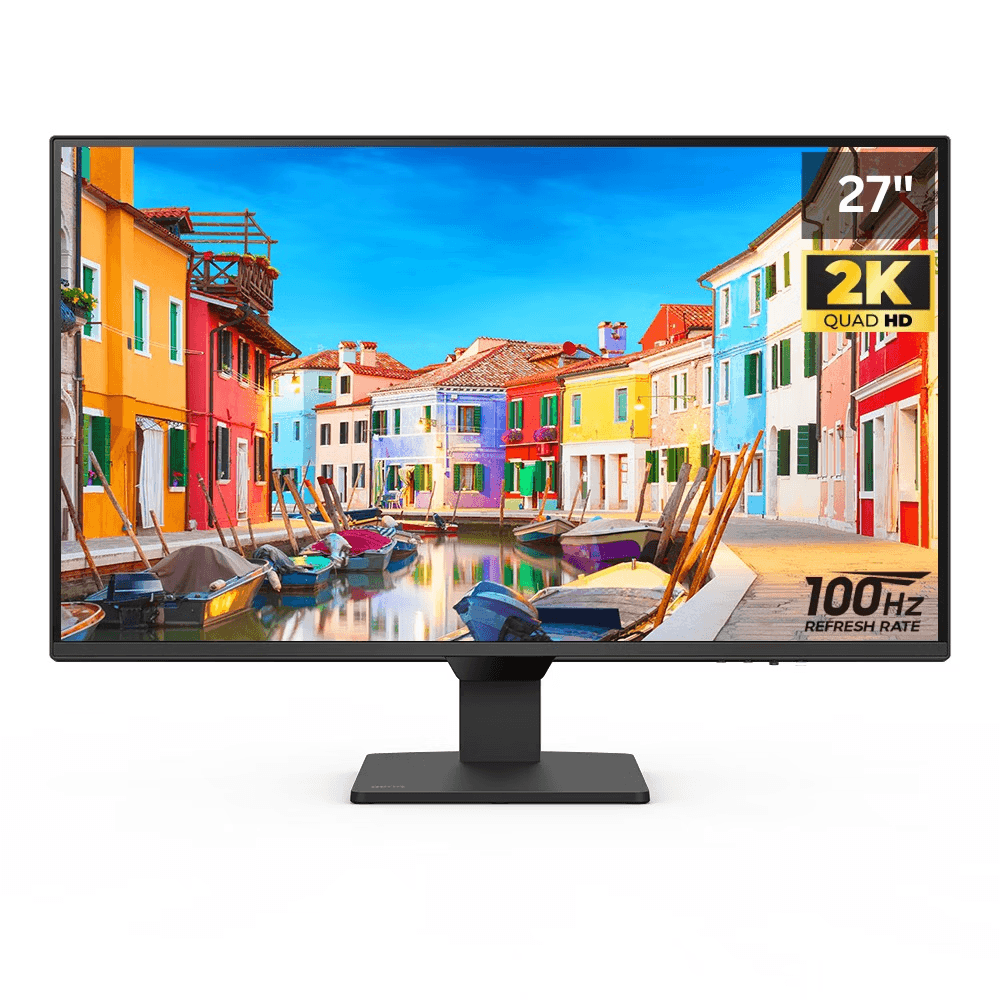
If you’re searching for a monitor that strikes the perfect balance between performance, eye comfort, and modern design, the BenQ GW2790Q deserves a top spot on your list. This 27-inch QHD monitor delivers sharp visuals, advanced eye-care technology, and flexible connectivity – making it ideal for work, study, and everyday entertainment.
Key Features
27-inch QHD Resolution (2560 x 1440)
Enjoy crystal-clear details and extra screen real estate compared to traditional Full HD monitors. Perfect for multitasking, editing, and immersive streaming.
IPS Panel for True-to-Life Colors
The GW2790Q uses IPS technology, ensuring wide viewing angles and accurate color reproduction – great for creative professionals, students, and everyday users.
BenQ Eye-Care Technology
- Low Blue Light Plus: Protects your eyes from harmful blue light.
- Flicker-Free Technology: Reduces strain during long working hours.
- Brightness Intelligence (B.I.): Adjusts brightness and color temperature automatically based on your surroundings.
Ergonomic & Modern Design
The slim, minimalistic design complements any desk setup. With adjustable tilt and height options, it ensures comfort during extended use.

Built-in Speakers
Enjoy clear audio without needing external speakers – perfect for video calls, casual entertainment, and online learning.
Seamless Connectivity
Equipped with HDMI, DisplayPort, and audio jacks, this monitor connects effortlessly to laptops, PCs, and gaming consoles.

Who Should Buy the BenQ GW2790Q?
✅ Work-from-home professionals who need a sharp and comfortable display
✅ Students attending online classes or working on projects
✅ Content creators who value color accuracy and clarity
✅ Casual gamers and streamers who want smooth visuals
✅ Anyone prone to eye strain looking for a healthier viewing experience
Pros & Cons
| Pros ✅ | Cons ❌ |
|---|---|
| Crisp QHD resolution | Not ideal for hardcore gaming |
| Advanced Eye-Care features | Limited HDR support |
| Sleek, modern design | Refresh rate capped at 75Hz |
| Built-in speakers | Speakers are basic (not for audiophiles) |
| Wide connectivity options | No USB-C port |